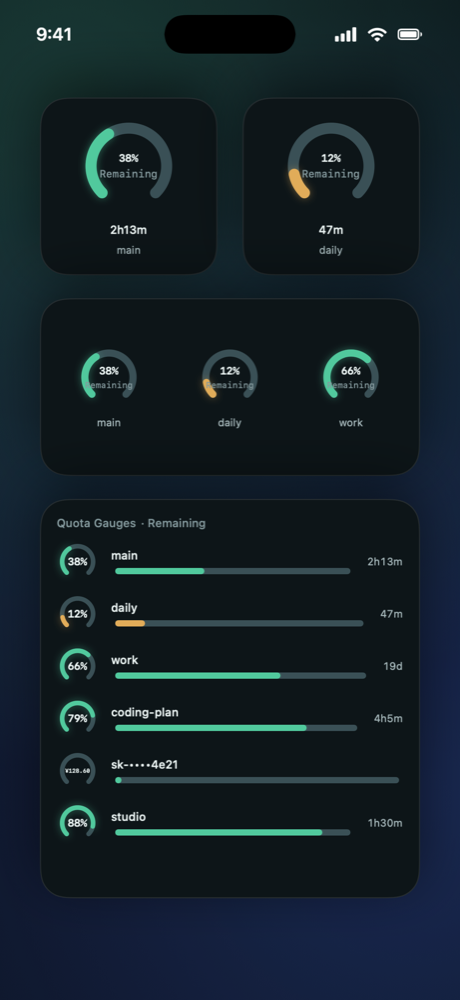
Home and Lock Screen widgets
Choose an account for each widget and keep its quota in view.
iPhone · iPad · Mac · Apple Watch
Keep quotas, balances and reset times in one place. Check your menu bar while coding, or your phone when you step away from your desk.
Local credentials · No ads · No subscription
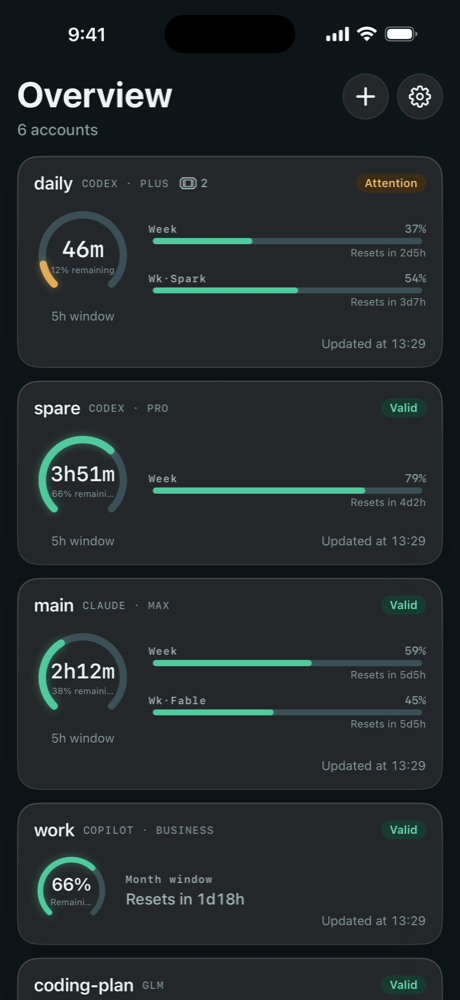
The AI services you already use
Keep your focus
No need to keep opening provider pages. Glance at a readout, open the panel for a quick account check, or explore quotas, reset times and account status in the main window.
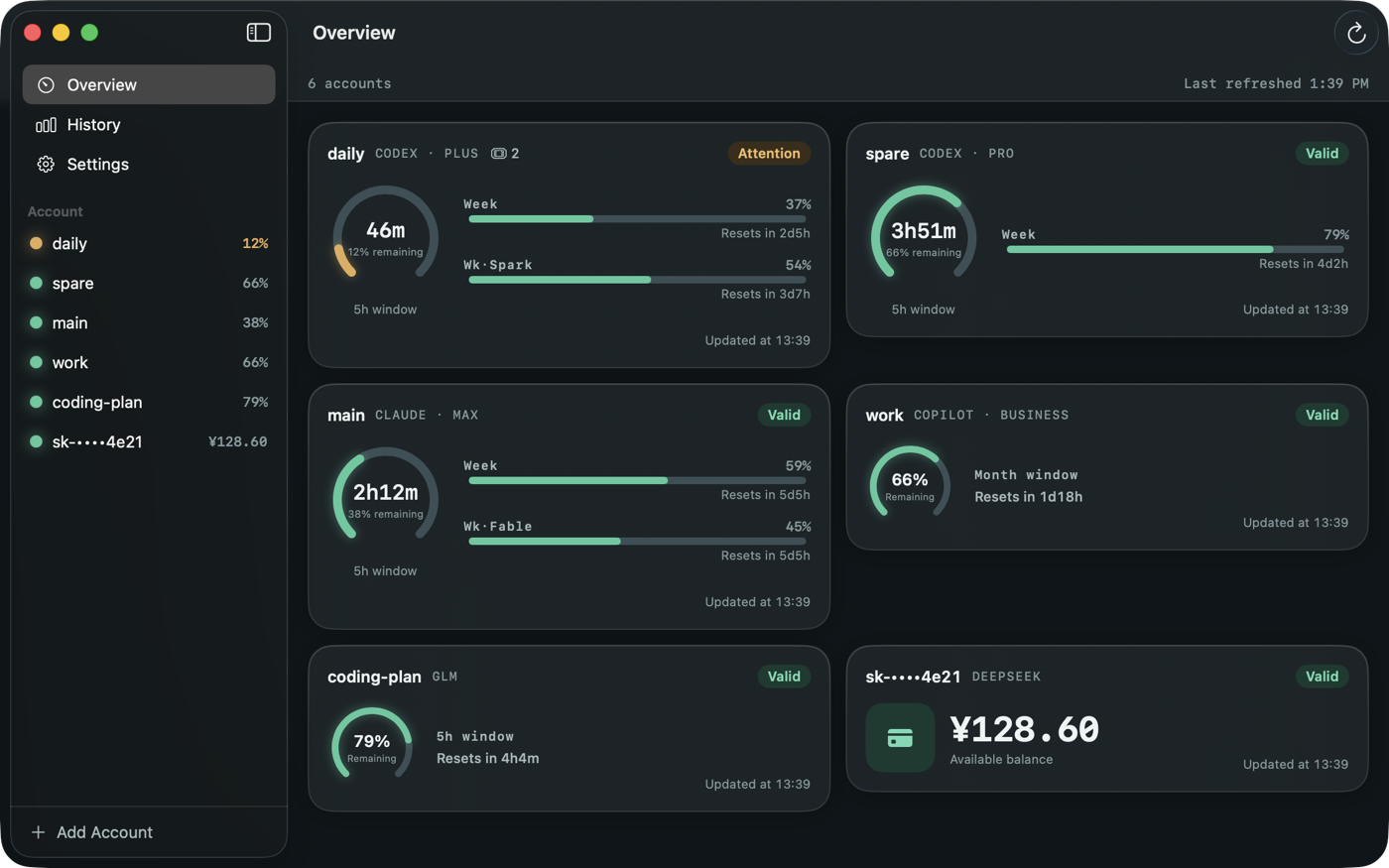
Looking back? On Mac, authorize local CLI logs to explore usage history and a 90-day heatmap, filtered by source or project.
Away from your desk
Choose an account for each widget and keep its quota in view.
Know when session and weekly limits reset, with clear countdowns.
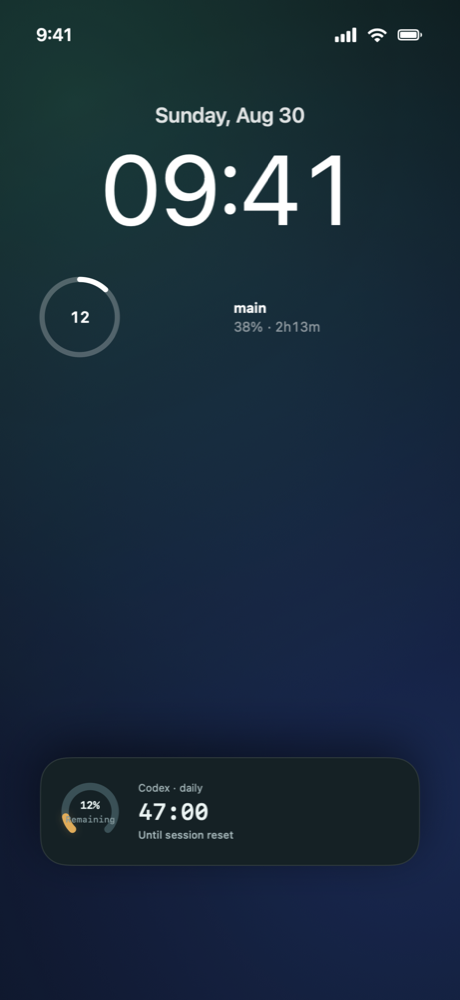
Background updates and alerts depend on system scheduling, battery and network conditions. Open the app and refresh to confirm the latest state.
View quotas and countdowns on Apple Watch, with complications for quick account checks.
Query cached quotas with Siri or Shortcuts. On iOS 18 and later, use system controls for refreshes and Live Activities.
Get alerts as a quota approaches its limit, a window resets or a sign-in expires.
Choose Used or Remaining, keep general and model limits separate, and manage accounts individually.
LOCAL FIRST
Authentication is stored in the local Keychain. Requests go directly to your chosen provider. No TokenWise account system or analytics SDK. We do not receive your credentials or quota history.
Read-only queries. No messages sent for you. Add accounts separately on iPhone and Mac; they do not sync automatically.
Read about your dataFor iOS / iPadOS 17, macOS 14 and watchOS 10 or later.
Download on the App StoreA one-time in-app purchase unlocks multiple accounts, additional widgets, Live Activities, the full alert set and more. Purchase access is shared across iPhone, iPad and Mac. See the app for details and local pricing.